
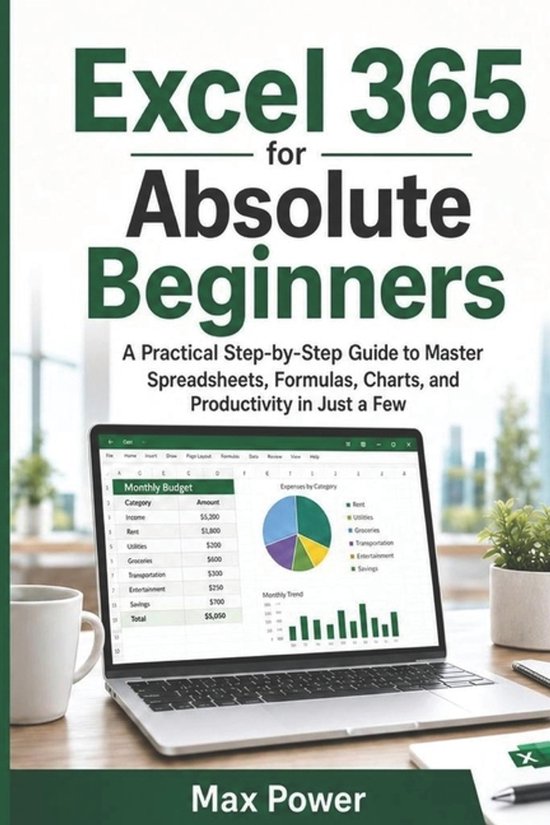
Excel 365 for Absolute Beginners
Max Power
- 23 mei 2026
- 9798198326170
Samenvatting:
Excel shouldn't feel like a maze of tabs, formulas, and confusing error messages. If you've ever opened Excel 365, stared at a blank worksheet, and thought "I don't even know where to start," this book is your step-by-step path from zero confidence to real, usable skills.Excel 365 for Absolute Beginners is a practical, hands-on guide for students, office workers, freelancers, and self-learners who want results fast-without technical jargon or reference-style chapters. You'll learn by doing, with guided examples that show you exactly what to click, what to type, and why it works.Inside, you'll build the core Excel skills you actually need for everyday tasks: organizing information, cleaning up messy lists, calculating totals, creating clear charts, and preparing sheets for printing or sharing. You'll also get beginner-friendly troubleshooting so you can fix common mistakes without panic.What you'll be able to do after working through this book:
- Navigate the modern Excel 365 interface and set up worksheets that make sense
- Enter, edit, and manage data confidently using cells, rows, and columns
- Format spreadsheets so they're readable, professional, and easy to scan
- Use basic formulas and essential functions to calculate and summarize quickly
- Turn lists into Tables, then sort and filter to find what matters fast
- Create charts that communicate clearly (without guesswork)
- Finish faster with productivity tricks, keyboard shortcuts, practice exercises, and real-world mini projects