
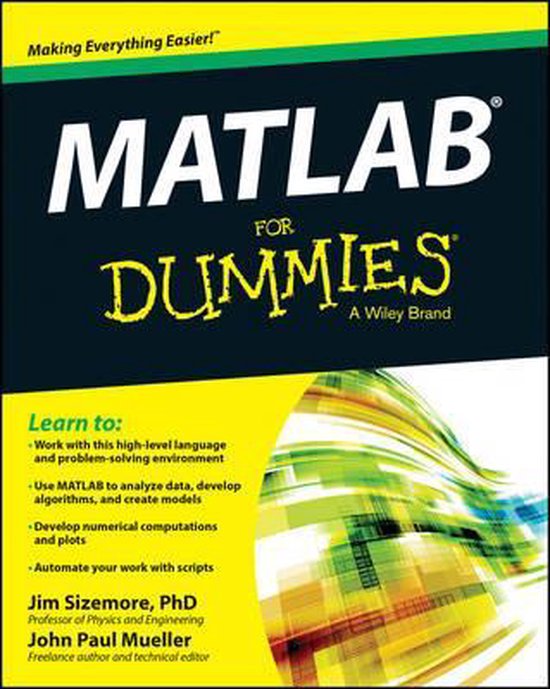
Matlab For Dummies
Jim Sizemore
- 30 december 2014
- 9781118820100
Samenvatting:
Plot graphs, solve equations, and write code in a flash! If you work in a STEM field, chances are you'll be using MATLAB on a daily basis. MATLAB is a popular and powerful computational tool and this book provides everything you need to start manipulating and plotting your data.
Learn to:
- Work with this high-level language and problem-solving environment
- Use MATLAB to analyze data, develop algorithms, and create models
- Develop numerical computations and plots
- Automate your work with scripts
A complete and easy-to-use guide to the popular MATLAB software tool
If you’re working in a STEM field, chances are you need to know MATLAB. Get up and running with MATLAB in a flash with this comprehensive, yet easy-to-use guide to one of the most popular computational tools on the market! Explore the software’s functionality and navigation as well as its extensive math functions, find out how to use advanced features, and much more!
- Dive right in — find out the basics of MATLAB, important knowledge on how to use it, and how to interact with this popular tool
- Manipulate data — get into the meat and potatoes of MATLAB by working with vectors, matrices, and higher dimensions
- Get streamlined — automate your work with scripts, expand on MATLAB’s built-in functions, and dive into conditional statements
- The sum of its parts — discover the practical parts of MATLAB, including details on saving, importing, exporting, printing, and publishing
- MATLAB applications — explore the specific MATLAB applications, solve equations and find roots, and get into linear algebra, calculus, and more
- Displaying the results — use MATLAB’s extensive collection of plots to see the results of your computations and present them in reports that communicate your ideas to others
Open the book and find:
- How MATLAB is used in STEM fields
- What you need to get started using MATLAB
- How to work with math syntax and MATLAB
- Tricks to starting, storing, and saving files
- Details on plotting data with 2D and 3D data
- Tips on automating your work in MATLAB
- Everything you need to know about control structures
- How to recover from the most common mistakes