
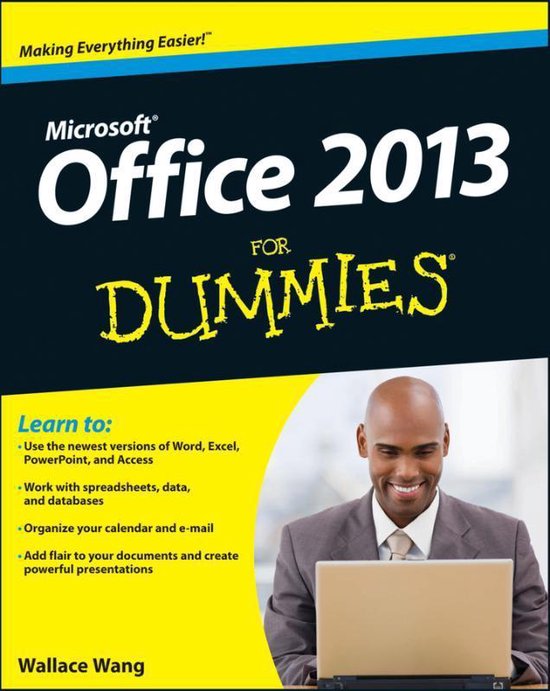
Office 2013 For Dummies
Wallace Wang
- 05 maart 2013
- 9781118497159
Samenvatting:
Office 2013 For Dummies is the key to your brand new Office! Packed with straightforward, friendly instruction, this update to one of the bestselling Office books of all time gets you thoroughly up to speed and helps you learn how to take full advantage of the new features in Office 2013.
Learn to:
- Use Word, Excel®, PowerPoint®, Outlook®, and Access®
- Build spreadsheets, crunch numbers, and format charts
- Configure e-mail settings, manage your calendar, and create Access databases
- Add flair to your documents and create powerful presentations
Get to know your Office, express your creativity, and get things done!
Take control of your Office and boost your productivity. This helpful guide walks you step-by-step through the various parts of the Office suite. Get your point across with Word, build spreadsheets with Excel, prepare persuasive presentations with PowerPoint, manage e-mail with Outlook, and organize your data with Access quickly and easily.
- Step into your new Office explore the main features of Office 2013, create and edit files, and learn how to navigate around the Ribbon
- Express yourself start writing in Word and add pizzazz to your documents with formatting, templates, tables, and cool graphics
- Dive into the world of numbers get up to speed on Excel and start crunching those figures in order to effectively analyze and present your data
- Presentation power create slide shows that captivate your audience by punching up your presentations with charts, graphics, and narration
- Get organized and stay connected find out how to better manage your e-mail, keep track of your appointments, save your contacts, and much more
- Database delight design a database with Access in order to store, sort, retrieve, and analyze important data
Open the book and find:
- Steps for entering, modifying, and saving data
- Tips for working with the Ribbon interface
- Ways to enhance Word documents with templates and graphics
- How to design presentations that impress
- Methods for crunching data in Excel to uncover key information
- Details about storing contacts and scheduling appointments
- Shortcuts and other secrets to boost your productivity
- Advice on customizing Office 2013 for your needs
€ 24,31
Bestel bij Bol.com >