
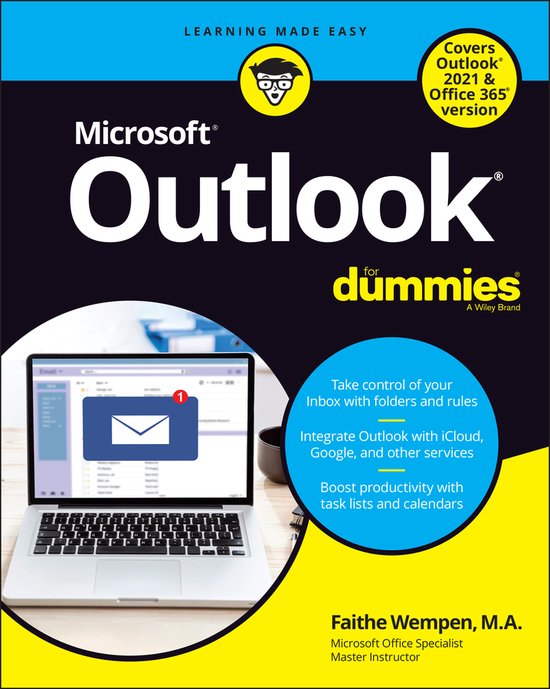
Outlook For Dummies
Faithe Wempen
- 07 maart 2022
- 9781119829119
Samenvatting:
Look out! You’re about to get organized!
Imagine: Everything is in one place, and you can find it when you need it. Fantasy land, or the new Outlook® personal information manager software system? Outlook For Dummies makes it possible, with an impressive array of features that have made Microsoft’s email and personal information management application wildly popular, both at home and in the workplace. Say sayonara to junk mail, schedule meetings, organize your contacts, and make sure you never forget those to-dos. For Dummies makes it easy and fun to learn for the first time or to catch up with the latest and greatest version.
Inside…
- Get shortcuts for common tasks
- Organize all those emails
- Block spam and phishing attempts
- Play nicely with iOS and Android
- Use Outlook from Office.com
- Add attachments to your messages
- Customize Outlook’s interface
- Stay on task and on time
Learn all about the best application for emailing, scheduling, collaborating, and just plain getting stuff done
Did you know that Microsoft Outlook can do everything, including cook your dinner? Okay, it can’t cook your dinner. But it can deliver your email, filter out the junk, help you organize your life, sync data to the cloud, integrate with iOS and Android, and about a zillion other things. Outlook For Dummies shows you how to work all the basic and advanced features of the Office 2021 version.
Outlook is loaded with interesting productivity tools that most people—even in business environments—don’t know about. Did you know you can create automated mail-handling rules? Translate messages into other languages? Share your calendar with other people? It’s true, and when people start wondering how you suddenly got to be so productive, you can tell them: Outlook For Dummies.
- Take a stroll around the basic interface and emailing capabilities of Outlook for Office 2021
- Use Outlook to create daily and monthly schedules, manage a to-do list, organize messages into folders, and make notes for later reference
- Discover advanced and little-known features that will help you get organized and stay on top of things
- Sync email across your devices and access Outlook from any computer, tablet, or phone
For users who are brand-new to Outlook and those upgrading to the latest version, this book makes it simple to get going.