
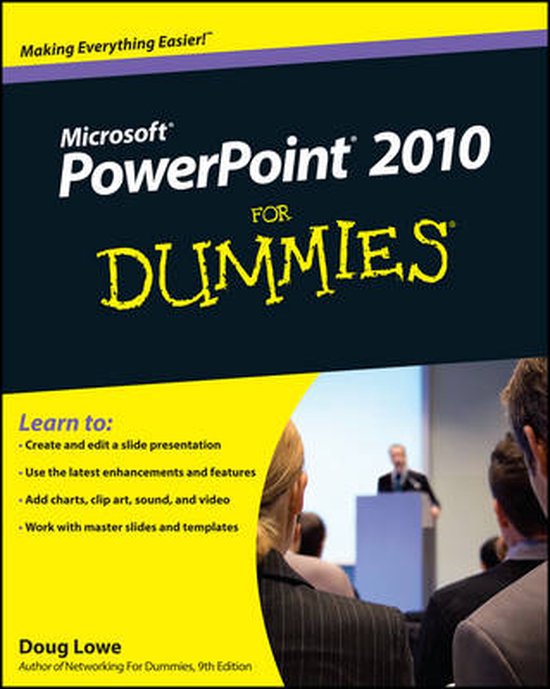
PowerPoint 2010 For Dummies
D Lowe
- 28 mei 2010
- 9780470487655
Samenvatting:
Start creating dynamite presentations with PowerPoint 2010 PowerPoint, the number one presentation software, has been revised and improved with the introduction of Microsoft Office 2010. More than 120 million people are using PowerPoint to create business and educational presentations worldwide.
Learn to:
- Create and edit a slide presentation
- Use the latest enhancements and features
- Add charts, clip art, sound, and video
- Work with master slides and templates
Create powerful presentations with stunning photos, vivid videos, and more
One of the best ways to captivate your audience during a presentation is to have an amazing slide show. PowerPoint 2010 will help you do that, and this book will show you how. Get ready for a standing ovation as you learn how to build great-looking slides, add sound and eye-opping video, animate your graphics, and much more.
- Get the most out of your text learn the best ways to edit and format your text to make your slides more visually appealing
- Remember what to say take advantage of one of the slickest features in PowerPoint 2010 to create speaker notes that only you can see during the presentation
- Make a visual impact from inserting pictures and clip art to adding video and controlling when it's played, you'll craft some impressive, high-tech presentations
- Add even more goodies discover how to insert tables, WordArt, hyperlinks, and actions
- Work as a team find out the best ways to collaborate on slides, add comments, and compare changes
- Reuse slides copy slides from other presentations and set up a slide library that's managed by SharePoint®
Open the book and find:
- An inside look at the new features of PowerPoint 2010
- Secrets of designing and formatting slides
- Techniques for adding exciting animations
- Steps for working with masters and templates
- How to use PowerPoint's cool drawing tools
- Ways to spice up slides with video clips
- Tips on using PowerPoint's collaboration tools
- How to create a video version of your presentation