
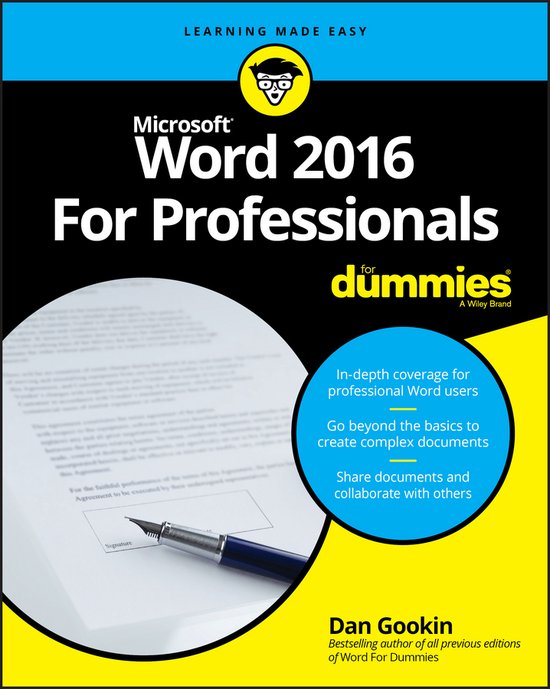
Word 2016 for Professionals for Dummies
Dan Gookin
- 30 september 2016
- 9781119286042
Samenvatting:
The most comprehensive guide to Microsoft Word 2016 If you're a professional who uses Word, but aren't aware of its many features or get confused about how they work best, Word 2016 For Professionals For Dummies answers all your burning questions about the world's number-one word processing software.
- In-depth coverage for professional Word users
- Go beyond the basics to create complex documents
- Share documents and collaborate with others
All you need to get more out of Word
Hiding beneath Word 2016's unassuming exterior is a workshop of power tools that enable professionals to be even more productive. Go beyond basic word processing, and get the most out of Word by learning to work with graphics, create complexly-formatted documents, add automation features to templates, collaborate with others, and share documents. Take the guesswork out of Microsoft Word with this comprehensive guide packed with information to help you work smarter and faster.
Inside…
- Writing long documents
- Adding references to manuscripts
- Create and manage templates
- Creating an eBook
- Working with large tables
- Integrating Excel
- Automating tasks by using macros
The most comprehensive guide to Microsoft Word 2016
If you're a professional who uses Word, but aren't aware of its many features or get confused about how they work best, Word 2016 For Professionals For Dummies answers all your burning questions about the world's number-one word processing software. Offering in-depth coverage of topics you won't find in Word 2016 For Dummies, this guide focuses on the professional's needs, giving you all you need to know not only do your job well, but to do it even better.
As Microsoft continues to hone Word with each new release, new features are added beyond basic word processing. From using Word to create blog posts to importing data from Excel to expertly flowing text around objects, it covers the gamut of Word's more advanced capabilities—including those you probably don't know exist. Whether you're looking to use Word to build a master document, collaborate and share, publish an ebook, or anything in between, the thorough, step-by-step guidance in Word 2016 For Professionals For Dummies makes it easier.
- Discover neat Word editing tips and tricks to create complex documents
- Share documents and collaborate with others
- Format text, paragraphs, and pages like never before
- Add Excel charts and graphics to Word documents
- Create an ebook
Essential reading for the Word power user who wants to be more productive and efficient at work, this handy guide gives you the boost to take your skills to the next level.