
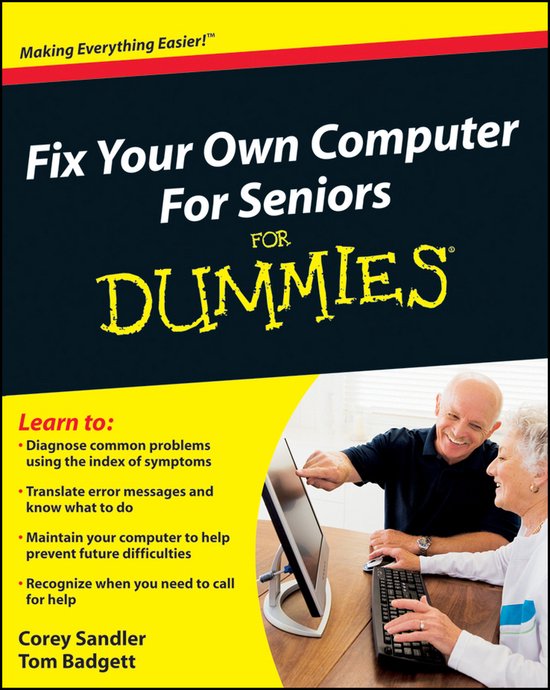
Fix Your Own Computer For Seniors For Dummies
Corey Sandler
- 29 december 2009
- 9780470500873
Samenvatting:
Learn to diagnose and fix simple PC problems with this easy–to–follow guide
When something goes wrong with your computer, it′s frustrating and potentially expensive.
Make simple repairs to your computer that extend its life and save you money
Do you go into panic mode when your computer isn′t working properly? End the worry with this accessible guide! Expert Corey Sandler shows you how to quickly uncover what′s wrong and fix it by following easy steps. In no time, you′ll learn the best way to maintain your PC, solve hardware problems, restore system settings, troubleshoot issues, and more.
-
Get to know the parts from the mouse and keyboard to the monitor, printer, and connection ports, discover how PC components work
-
Inside the box develop a working knowledge of your PC′s "brain" and the Windows operating system
-
Keep your PC healthy follow tips and techniques for proper computer hygiene
-
Upgrade memory and replace drives change your PC′s memory, hard disk drives, and CD/DVD drives
-
Get Windows® back on track repair, refresh, or reinstall Windows to quickly get up and running again
-
Diagnose the problem use the Windows Troubleshooting Wizard and make changes to your injured PC using a list of solutions
-
Enhance security take the steps needed to protect your PC from viruses and other threats
Open the book and find:
-
Introductions to your PC′s parts and operating system
-
Ways to keep your computer healthy
-
Steps for stopping viruses, malware, and spam
-
When to repair and when to replace your PC
-
How to change your computer′s memory
-
Tips for repairing Windows
-
How to get your printer and monitor working again
-
Tricks for fixing common PC problems
Learn to diagnose and fix simple PC problems with this easy–to–follow guide
When something goes wrong with your computer, it′s frustrating and potentially expensive. With Fix Your Own Computer For Seniors For Dummies, you can find out what′s wrong, how to fix it, whether you need to call in professional help, and how to practice preventive maintenance.
This friendly guide avoids techie jargon and shows you how to diagnose the problem, find out whether the software or hardware is at fault, make simple repairs, and add external devices such as scanners, printers, and hard drives. It also helps you maintain your computer through basic steps like defragmenting the hard drive and cleaning out files – techniques that can prevent a lot of problems from occurring in the first place.
- Written specifically for first–time computer users, this book explains how to diagnose basic PC problems, understand error messages, and fix common issues
- Specific step–by–step procedures guide you through basic repairs such as replacing the hard drive
- Explains common mistakes and how to avoid them
- Outlines the steps for preventive maintenance, such as how to defragment the hard drive, clean files, delete old files, and organize files
- Explores ways to expand and enhance a computer with external devices including hard drives, Web cameras, Web phones, scanners, printers, flash drives and other hardware
- Shows what you can fix yourself and when to seek help from a repair service or the manufacturer
Easy to read and follow, Fix Your Own Computer For Seniors For Dummies will boost your confidence when dealing with your computer and with professional technicians, too.