
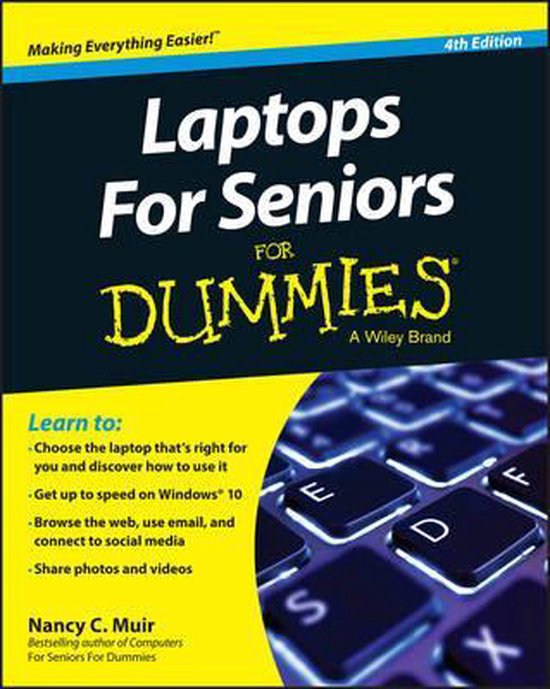
Laptops For Seniors For Dummies
NC Muir
- 22 december 2015
- 9781119049579
Samenvatting:
The go–to guide for learning the ins and outs of laptop computers!
Over 50 and still want to learn how to get the most out of your laptop? Laptops For Seniors For Dummies is your ideal guide.
Learn to:
- Choose the laptop that′s right for you and discover how to use it
- Get up to speed on Windows® 10
- Browse the web, use email, and connect to social media
- Share photos and videos
Laptops are fun and convenient, and this book makes them easy to use!
Thinking about a new laptop or tablet? This book is always available to show you how to use it! Easy to follow instructions show how to use all the new features found in Windows 10. You also learn how to master files and folders, shop safely online, explore social media, use email, store data, and a whole lot more!
- Find what you need discover the characteristics of laptops and choose the one that′s right for you
- Stuff everyone thinks you know turn your laptop on and off, get acquainted with the Start screen, learn to use the touchpad and keyboard, and set up a user account
- Looking through Windows learn to navigate the Windows 10 operating system, find files, open applications, and organize the Start menu
- Get online understand the different types of Internet connections, and set up your access
- Welcome to the Internet make the most of Cortana® to safely search the web, open an app, schedule a reminder or an appointment, or to send an instant message
- Find the fun stream movies, take and share photos and videos, make Skype® calls, use discussion boards, and create a Facebook® account
Open the book and find:
- How to create multiple desktops using Action Center and Task View
- Tips for maintaining battery life
- Tools for the visually challenged
- Tips for buying and working with apps
- How to use Microsoft® Edge
- Secrets to creating safe passwords
- Advice on spotting email scams
- Essential maintenance and troubleshooting tips
€ 23,60
Bestel bij Bol.com >