
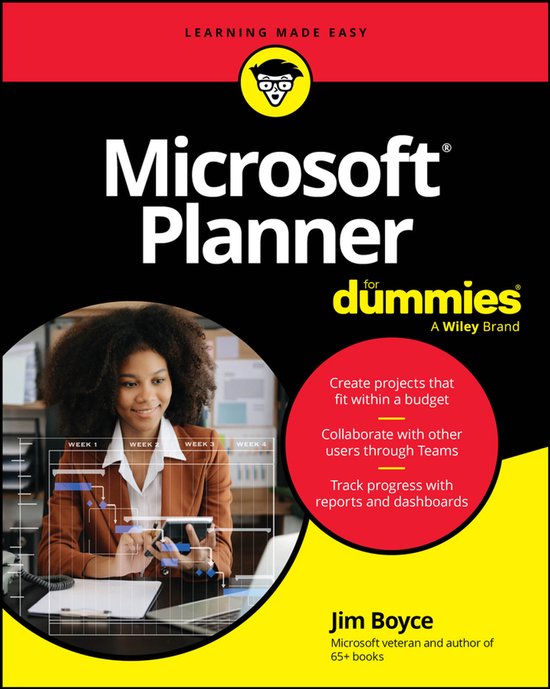
Microsoft Planner For Dummies
Jim Boyce
- 30 april 2026
- 9781394393824
Samenvatting:
Project management made simple
Plan and manage business projects with stress-free confidence. Microsoft Planner For Dummies walks you through this powerful tool so you can create plans, assign tasks, set deadlines, and keep your team on track. You'll learn how to use built-in templates, calendars, and to-do lists to get organized quickly. Whether you're new to project management or transitioning from Microsoft Project, this friendly guide helps you wrap your head around Planner's features and put them to work right away. It's packed with the step-by-step instructions that beginning project managers can use every day.
- Creating your first project plan
- Working with tasks and deadlines
- Using calendars and to-do lists
- Automating workflows
- Collaborating with your team
- Tracking project progress
- Using templates effectively
- Transitioning from Microsoft Project
Tackle projects with confidence using Microsoft Planner
Microsoft Planner For Dummies delivers a start-to-finish guide to Microsoft’s industry-leading project management software. Jim Boyce walks you through this not-as-confusing-as-it-first-looks software, showing you the ins and outs of creating projects, integrating Planner with other Microsoft software, organizing and assigning tasks, and more.
Covering the key features of Planner Plan 1, you’ll get insight into planning a project, reporting and tracking progress, and managing plans with other collaborators. Keep your project running smoothly and on track, so the only thing you’ll have to worry about is checking tasks off your checklist.
You’ll also find:
- Step-by-step instructions for planning projects within strict time and budget constraints
- Expansive coverage of report generation within Microsoft Planner
- Practical discussions of how to stay in sync with conversations on Microsoft Teams as you use Planner
For beginner project managers, Microsoft Planner For Dummies is your go-to guide. This is also an essential resource for project management students as well as experienced project managers who are new to – or need a refresher on – Microsoft Planner.